Merging Profiles
If at any point you find multiple profiles for the same guest, company, or booker, Chorum provides the ability to merge the profiles together. This combines everything between the two profiles - stay history, revenue generated to-date, and more - as if there had only ever been one profile. In this manner, you can more reliably track metadata A set of data that describes and gives information about other data, often associated with consumer information like name, contact information, and address. associated with the given profile.
Be aware that Sales Master profiles cannot be merged together. This is a technical limitation of the Sales Master profile and how it is seen in your property's reports. Subsequently, property staff responsible for group bookings and sales should be mindful of checking for existing Sales Master profiles before creating a new profile for a given group.
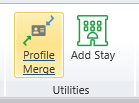
Provided the profile can be merged, simply open the profile you wish to keep then at the top of the menu in the Utilities ribbon, click the Profile Merge button.
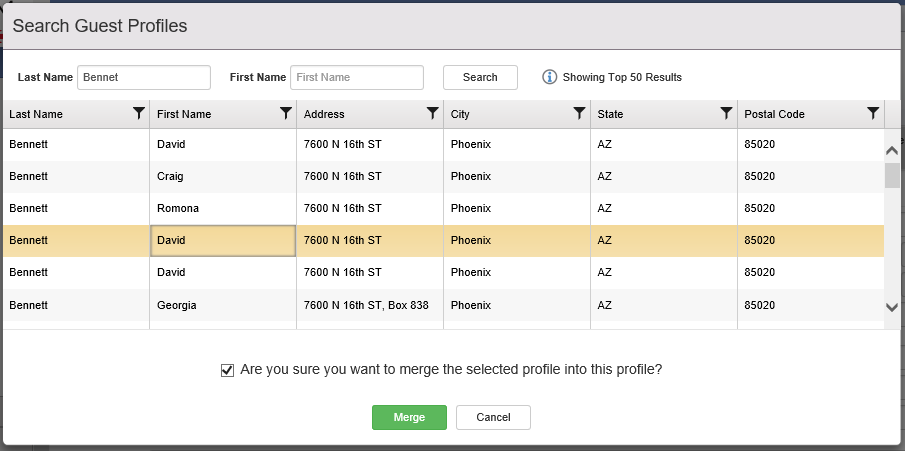
A search window will open related to the type of profile you are attempting to merge, allowing you to locate the profile you wish to merge and select it. After selecting the profile, confirm you wish to merge the profile at the bottom then click Merge at the bottom to finish the process.
Once finished, all relevant data will be combined. You're finished!
